Upload your recording.
Start with an MP4 or MOV. Choose a full video, a short video, or a full video plus Shorts.
Start for free
Turn one recording into a polished video and ready-to-share clips. AI handles the edits. You choose what to publish.
Or drag a video here.
How it works
Record a tutorial, interview or podcast. Let AiVideoEditor handle the repetitive editing, then review the full video, create Shorts and choose where to publish.
Start with an MP4 or MOV. Choose a full video, a short video, or a full video plus Shorts.
Cut pauses and repeated takes, clean up speech, and add captions, B-roll and text callouts. Check the preview and change any edit you want.
Download your edited video for free, or schedule it with a paid plan.
Word-by-word captions, 2.63 seconds of pauses removed, and punch-ins to emphasize key moments.
How it works
Clean up the recording, make your ideas clear and prepare the versions you want to share.
Trim long pauses so viewers reach the next thought sooner.
Remove ums and uhs. Keep the fillers you want to leave in.
Spot repeated sentences and recording mistakes, then review the suggested cuts.
Reduce background noise and balance speech volume for clearer listening.
Add styled, speech-timed captions. Review and correct the words before exporting.
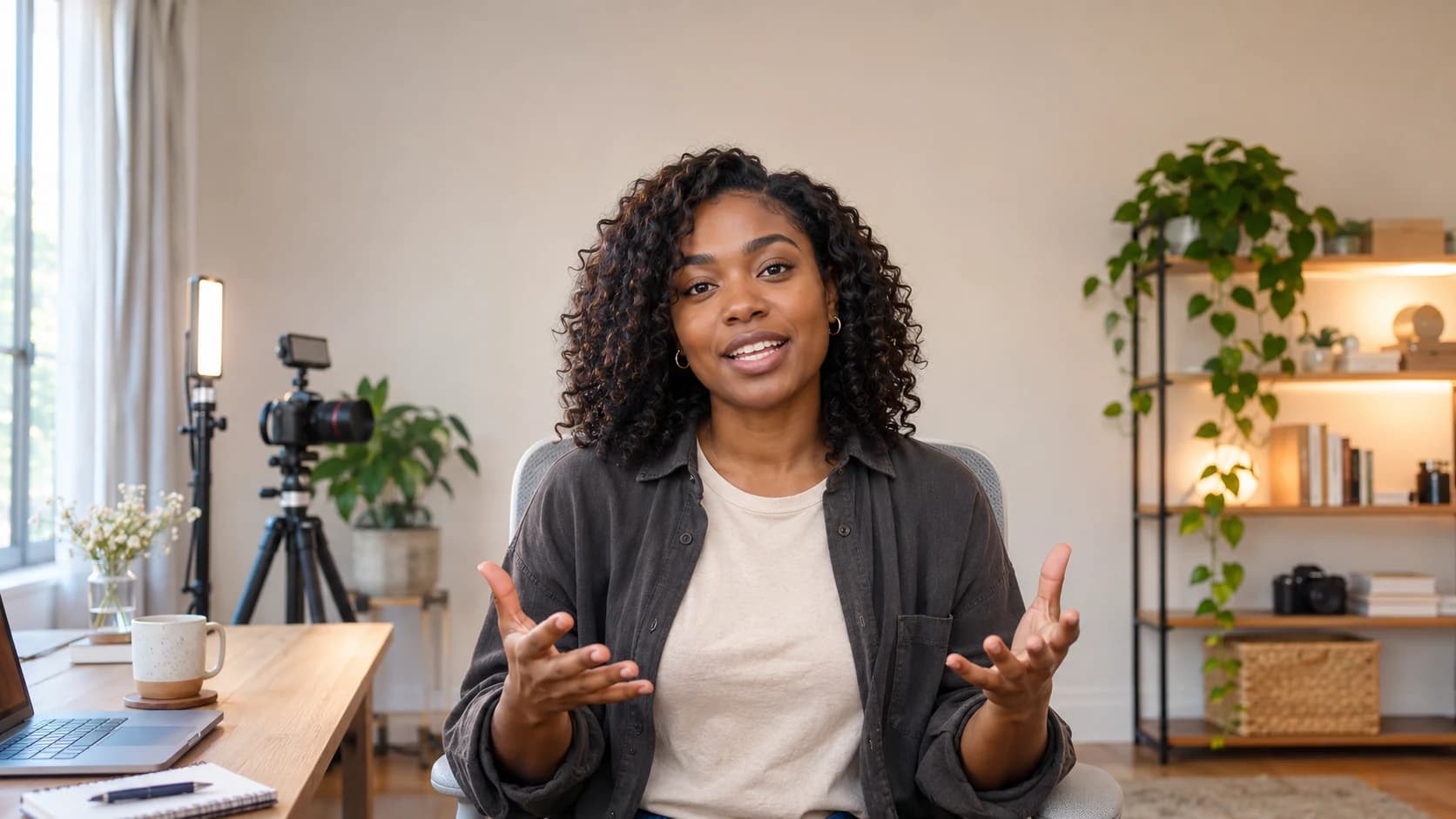
Add subtle or dynamic zooms to emphasize the moments that matter.
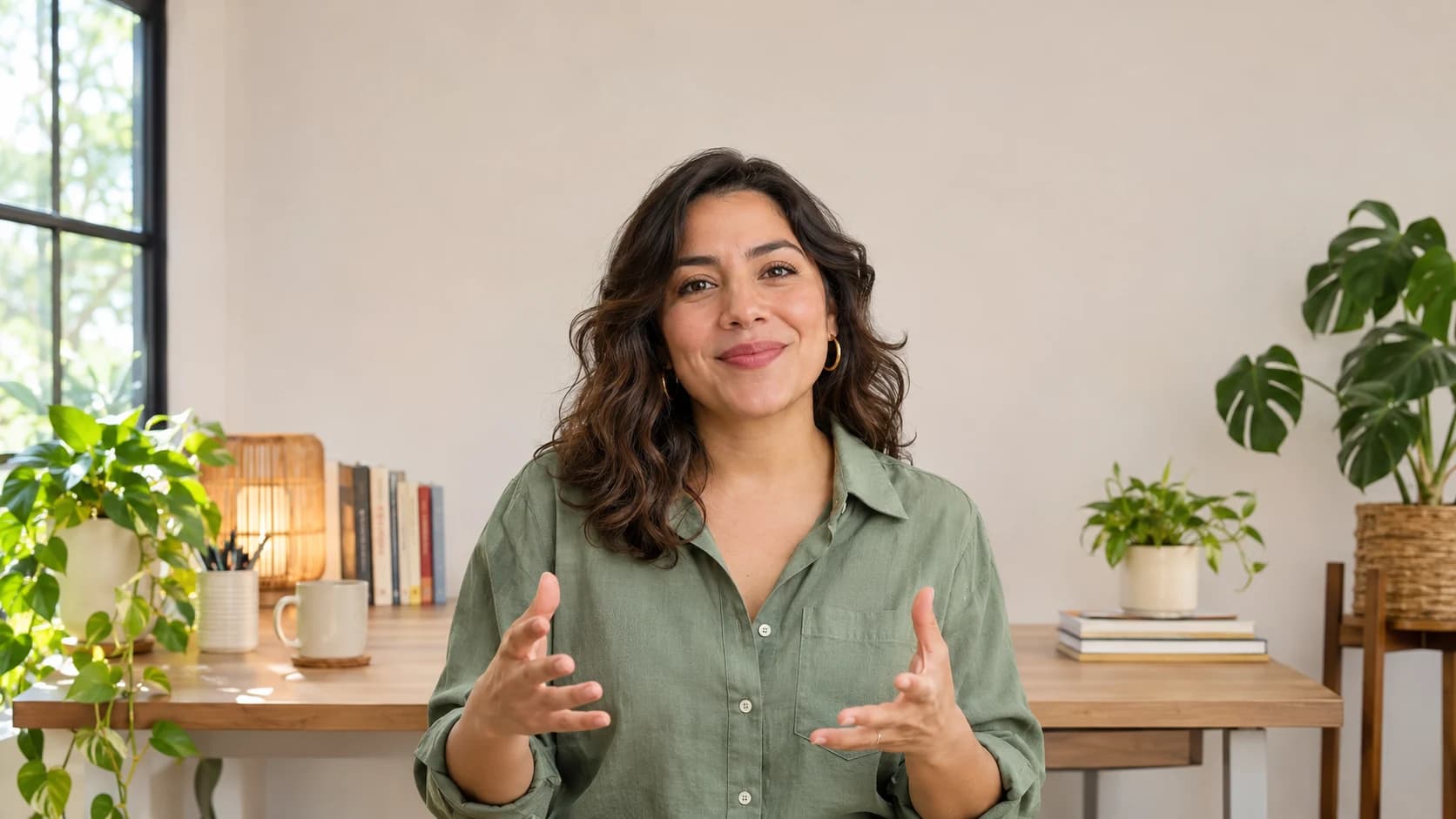
AI automatically adds relevant supporting footage while your voice continues. Replace, remove or use your own clips.
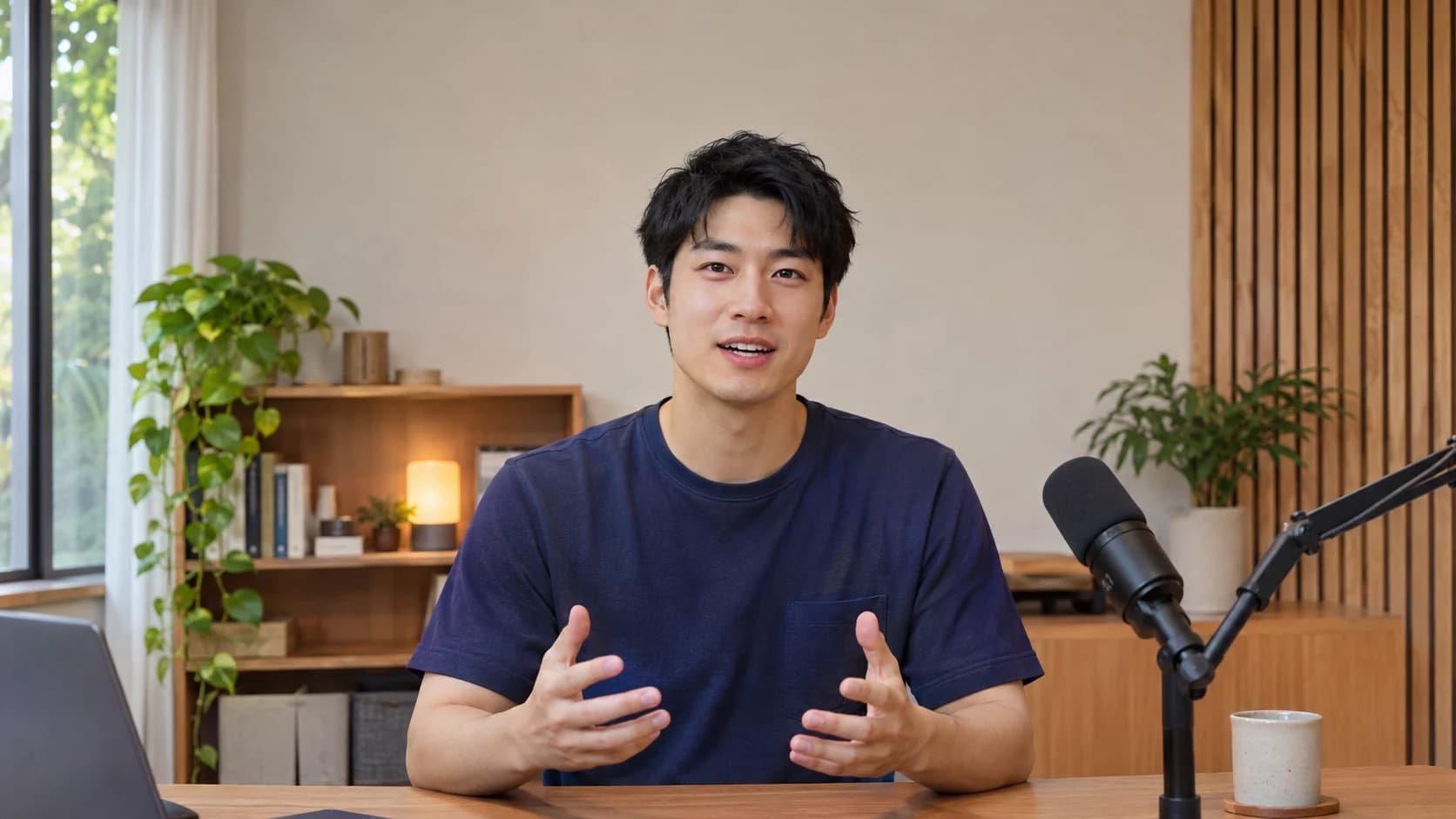
Turn important facts, lists and chapter openings into timed text callouts.
Edit the full video and extract standalone Shorts. Download the versions you need.
Save caption styles, fonts, colors and editing preferences as reusable brand presets.
Prepare titles, descriptions, chapters, social captions and hashtags from your recording.
Send approved videos to your connected accounts. Publish now or schedule ahead.
Editing and publishing, together
Publish videos to Instagram, Facebook Pages, LinkedIn, YouTube, TikTok and X. Choose your connected accounts and publish now or schedule ahead. Nothing publishes without your approval.
Photos, carousels and video
Your brand’s Facebook Page
Professional stories and updates
A home for your video content
Short-form video and fresh ideas
Video publishing
A 20-minute recording uses 20 processing minutes, including its clips and repeat exports, within your plan’s allowances.
AI editing, video exports, Shorts and scheduling included.
For your regular video workflow.
$29/month
300 processing minutes / monthUp to 30 minutes per video
Connect up to 6 social accounts for scheduling
More minutes for a growing channel.
$49/month
900 processing minutes / monthUp to 60 minutes per video
Connect up to 18 social accounts for scheduling
For a busy content schedule.
$99/month
2400 processing minutes / monthUp to 120 minutes per video
Connect up to 60 social accounts for scheduling
Preview your first edit free. Plans start at $29/month. No credit card required.
Your first video edit is free: one recording up to 10 minutes with a watermarked download. No credit card required.
Use MP4 or MOV recordings, up to 10 minutes and 250 MB for free. Paid maximums per video: Creator 30 minutes, Pro 60 minutes and Studio 120 minutes.
No. Start with your recording and let AI prepare the edit. Check the preview and change individual captions, cuts or effects if you want. Your original recording is preserved.
Connect Instagram, Facebook Pages, LinkedIn, YouTube, TikTok or X. Available publishing options depend on the destination and account eligibility. Each brand can connect one account per network. X supports video publishing only.
Creator includes 300 processing minutes a month, Pro includes 900, and Studio includes 2,400. All paid plans include video exports, AI editing, B-roll, captions, Shorts creation and scheduling.
Yes. Upload finished media to the publishing workspace. Scheduling an already edited video does not use AI processing minutes.
Yes. Preview the suggested footage, replace it, remove it or use your own. You choose what stays in the final video.
Your plan counts the original recording, not every export. Editing captions, replacing B-roll or exporting the same project again does not charge those source minutes again. New footage uses processing minutes.
Let AI edit your recording, add B-roll and create short clips. Review, download or publish across your channels.
Upload Your Video